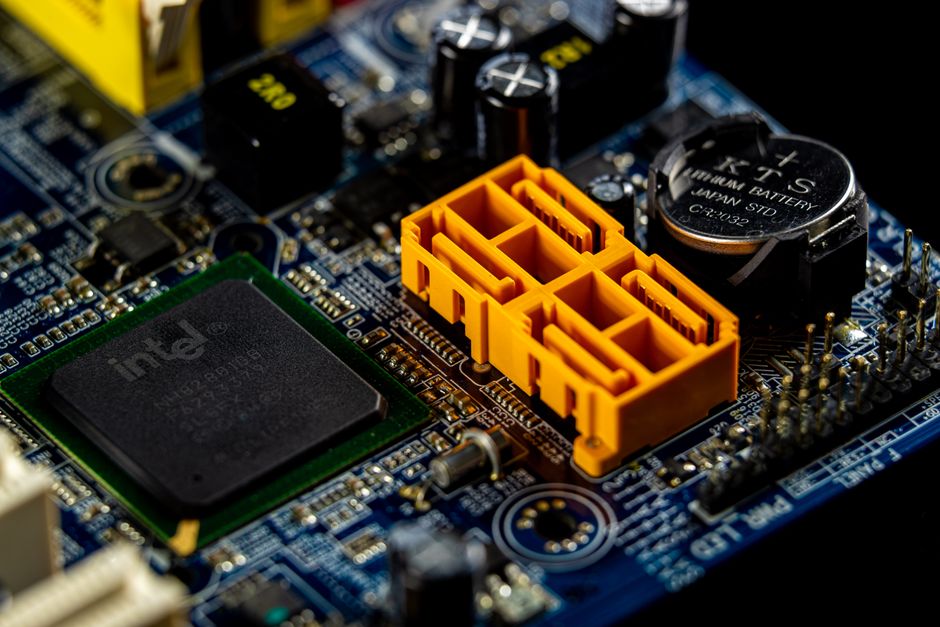
The video chip, also known as the GPU, is responsible for rendering everything on your MacBook’s screen, from the desktop background to video playback and graphic-intensive applications. When this chip begins to fail, the computer can become difficult or impossible to use. For owners of certain MacBook Pro models from 2011 and 2012, video chip failure is a known problem. The good news is that a proper, lasting repair is available at a fraction of the cost of replacing the entire logic board. Understanding the symptoms, the root cause, and what a correct repair involves can help you make an informed decision about fixing your MacBook.
What Causes MacBook Video Chip Failure?
Video chip failure in MacBooks typically stems from the physical connection between the chip and the logic board. Over time, the solder joints that attach the GPU chip to the board can develop cracks. This is not a software issue; it is a hardware-level problem that affects the electrical connection, causing intermittent or permanent display problems. Two specific MacBook lines are widely reported to experience this issue: the 2011 MacBook Pro series and the 2012 Retina MacBook Pro model A1398.
Solder Joint Cracks Under the GPU
On the 2012 Retina MacBook Pro A1398, the GPU Vcore regulator chip, designated U8900, is a common point of failure. The solder joints beneath this chip are subject to repeated heating and cooling cycles as the computer is used and turned off. Over months and years of normal use, these cycles cause the solder to fatigue and develop microscopic cracks. Once the cracks form, the chip loses its ability to deliver stable power to the graphics processor, leading to display issues. The same underlying mechanism of cracked solder joints affects the main GPU chip itself on other models, including the 2011 MacBook Pro. This is a physical failure that cannot be fixed by reinstalling drivers or updating macOS.
Apple’s Temporary Recall Fix for the U8900 Issue
Apple acknowledged the GPU Vcore problem on certain models and implemented a recall repair. However, the fix applied by Apple involved placing a small rubber pad on top of the U8900 chip. The pad applied downward pressure on the chip, physically pushing it against the cracked solder joints below. This pressure could temporarily restore the connection, allowing the chip to function again for a period of time. This approach is a temporary workaround, not a permanent repair. Because the underlying cracked solder joints are not addressed, the issue often returns. The rubber pad fix highlights the need for a more robust solution that addresses the root cause of the failure rather than just masking the symptoms.
Recognising the Symptoms of Video Chip Failure
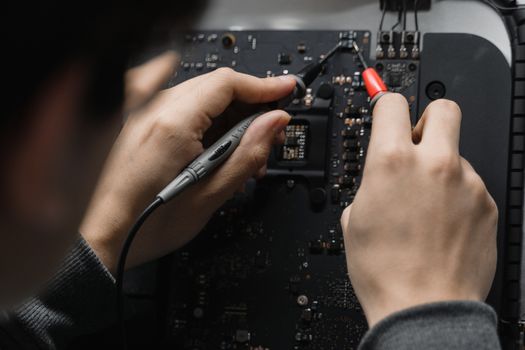
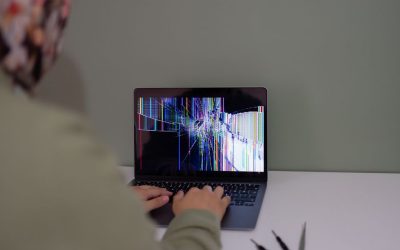
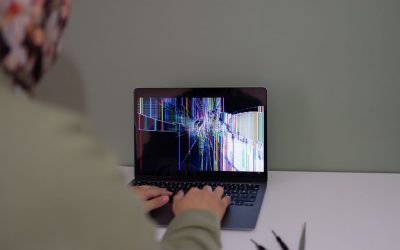
When the video chip or its supporting circuitry begins to fail, the symptoms are usually visual and noticeable. Two of the most commonly reported signs are a bad video display and freezes at startup. A failing GPU can produce distorted graphics, including horizontal or vertical lines, scrambled colours, random artefacts, or a screen that goes black while the computer remains powered on. Startup freezes occur when the system attempts to initialise the graphics hardware and encounters a fault, causing the boot process to hang at the grey screen or Apple logo. Other symptoms may include sudden system shutdowns during graphic-intensive tasks, such as watching video or using external displays. If your MacBook exhibits any of these issues but still powers on and you can hear the fans or startup chime, a failing video chip is a highly likely cause.
The Proper Repair: Reflowing with Leaded Solder
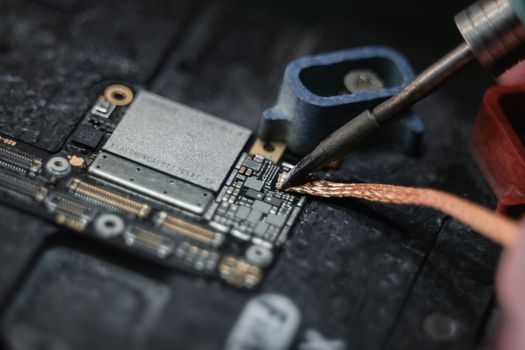
The correct and durable fix for a MacBook with cracked GPU solder joints is to reflow or replace the solder connections using leaded solder. The original factory solder is typically a lead-free alloy, which is more brittle and prone to cracking under thermal stress. Leaded solder is softer and more forgiving, allowing it to withstand the expansion and contraction caused by repeated heating and cooling cycles without cracking. A proper repair involves heating the chip and the surrounding area to melt the existing solder, then either reflowing the original joints or replacing the solder entirely with fresh leaded material. This process restores a solid electrical connection between the chip and the logic board. Unlike Apple’s rubber pad fix, a correct reflow addresses the actual broken connections and provides a much longer lasting solution. Some repair technicians also choose to replace the U8900 chip entirely if it is damaged, though in many cases a careful reflow is sufficient to resolve the issue.

MacBook Video Chip Repair Costs and Warranty
The cost of video chip repair varies depending on the repair provider and the specific MacBook model. Several independent repair services offer flat rate pricing for this service, which can be significantly less expensive than a logic board replacement from Apple. The following table summarises pricing and warranty information from known repair providers.
| Repair Provider | Model / Service | Price | Warranty |
|---|---|---|---|
| Mactorontorepair.ca | Mac video card repairs (flat rate) | $150 | Not specified |
| thebestmacbookrepair.com | MacBook Pro A1297 17″ GPU video chip repair | $190 | 6-month warranty |
| Powerbook Medic | MacBook Pro GPU repair service | Not specified | 6-month warranty |
| fastestmacpcrepair.com | MacBook Pro 2011 video chip repair | Not specified | 6-month warranty |
Pricing can range from around $150 up to $190 for specific models, and many independent shops include a 6-month warranty on their workmanship. This warranty period gives you confidence that the repair is performed correctly, and if the issue recurs within that timeframe, the technician will address it at no additional cost. It is always wise to confirm the exact price for your specific MacBook model before committing to a repair.
What to Expect from a Professional Video Chip Repair
A professional video chip repair begins with a thorough diagnosis to confirm that the GPU or its supporting components are the source of the problem. Once the fault is identified, the technician removes the logic board from the MacBook and prepares it for rework. This process requires specialised equipment, including a hot air rework station capable of precisely heating the chip and surrounding area without damaging nearby components. The old solder is cleaned away, and fresh leaded solder is applied. After the chip is reseated and the solder has cooled, the board is carefully inspected for any bridges or cold joints. The technician will then reassemble the MacBook and test it thoroughly to ensure that the display is stable, graphics performance is normal, and the system no longer freezes at startup or during use. A properly executed repair should restore the MacBook to full functionality and eliminate the video issues.
Frequently Asked Questions
What MacBook models are affected by video chip failure?
Three models commonly reported with video chip issues are the 2011 MacBook Pro, the 2012 Retina MacBook Pro A1398 (with GPU Vcore failure on chip U8900), and the MacBook Pro A1297 17 inch model. Other MacBook generations may also experience video chip problems, but these are the most frequently cited. If you own a MacBook from this era and notice display issues, video chip failure is a strong possibility.
How is Apple’s recall fix different from a proper reflow repair?
Apple’s recall fix for the U8900 GPU Vcore issue involved placing a rubber pad on top of the chip to apply pressure, temporarily reconnecting the cracked solder joints. This is a temporary workaround. A proper reflow repair melts the existing solder and replaces it with leaded solder, permanently restoring the electrical connection and providing a long term solution that addresses the root cause rather than masking it.
How much does MacBook video chip repair cost?
Prices for MacBook video chip repair vary by provider and model. Reported rates include a flat $150 from Mactorontorepair.ca for Mac video card repairs, and $190 from thebestmacbookrepair.com for the MacBook Pro A1297 17 inch GPU chip repair. Some providers do not list pricing publicly and may require a quote. Most independent shops offer a 6-month warranty on their work, which is worth confirming before you proceed.
Does video chip repair come with a warranty?
Yes, several independent repair services include a warranty on their video chip repairs. Powerbook Medic, thebestmacbookrepair.com, and fastestmacpcrepair.com each offer a 6-month warranty on their GPU repair work. Mactorontorepair.ca does not specify a warranty period in its public pricing, so it is recommended to ask about warranty coverage when you contact the shop. A warranty provides peace of mind that the repair is built to last.
Can a MacBook with a failed video chip be repaired permanently?
Yes, a permanent repair is possible when the correct technique is used. Reflowing or replacing the solder joints with leaded solder creates a robust connection that withstands thermal stress much better than the original lead free solder. This approach addresses the physical root cause of the failure. When performed by a skilled technician, a leaded solder reflow is a durable solution that can extend the life of your MacBook for years rather than months.
If your MacBook Pro is showing signs of video chip failure, a proper repair is an affordable alternative to replacing the entire machine. By choosing a technician who performs a leaded solder reflow rather than a temporary workaround, you can restore your computer to reliable operation. Contact a qualified repair service to diagnose your specific model and get a clear price and warranty before proceeding with the work.

0 Comments