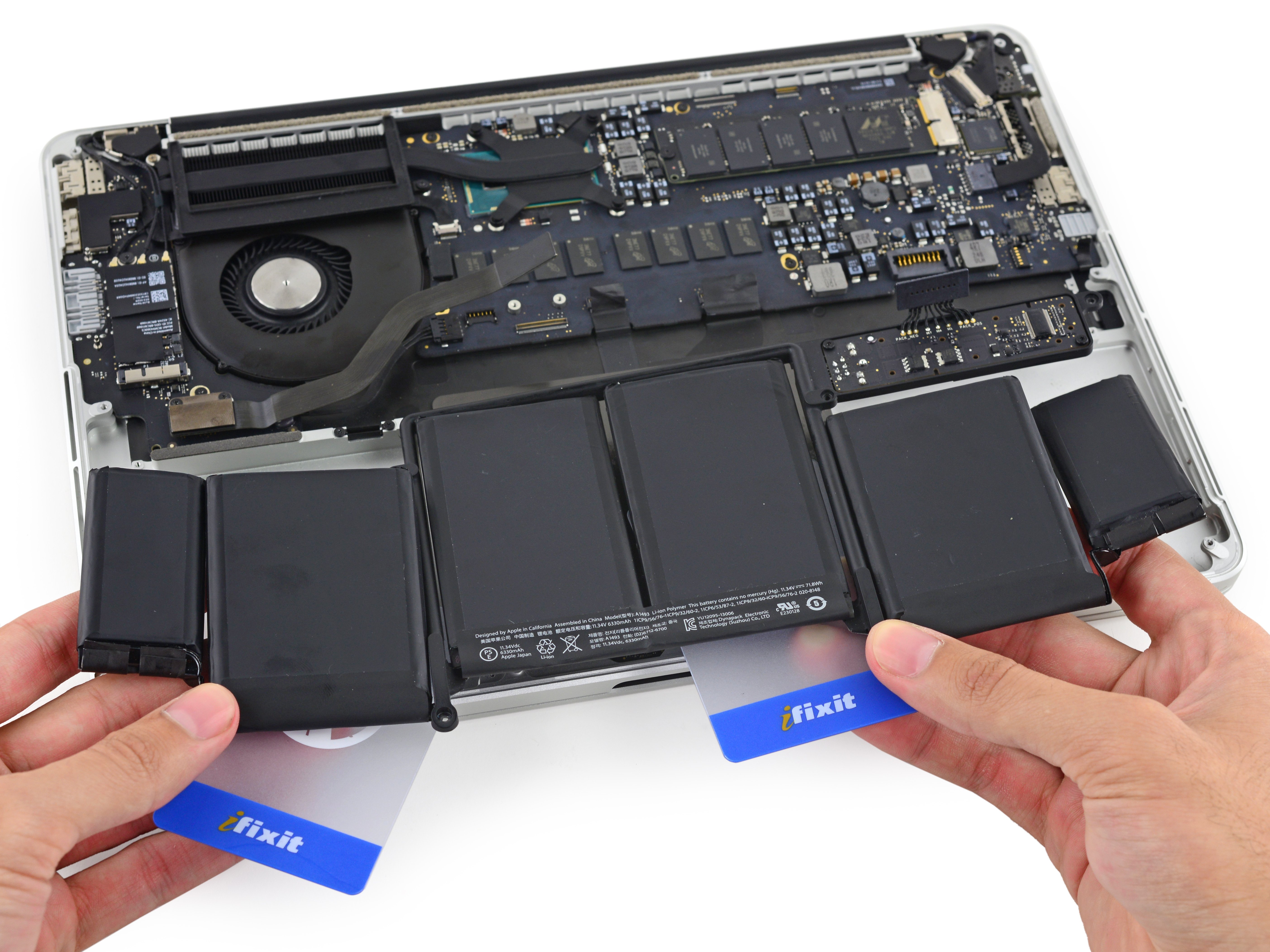
Battery performance is one of the first things to decline on any laptop. Over time, your MacBook will hold less charge and may need to stay plugged in more often. When that happens, you have several paths to a new battery: Apple’s official service, a do-it-yourself kit, or a local repair shop. Each option has its own cost, convenience, and risk. This guide covers what you need to know about MacBook battery replacement based on the latest available information.
Signs Your MacBook Battery Needs Replacing
MacBooks provide several clear indicators that the battery is nearing the end of its useful life. The most obvious sign is a noticeable drop in runtime. If your laptop used to last six hours on a charge but now only runs for two, the battery likely needs service. Another indicator is a “Service Recommended” message in the battery status menu. This alert appears when macOS detects that the battery cannot hold a sufficient charge. You can also check the battery condition manually by holding the Option key and clicking the battery icon in the menu bar.
Beyond software warnings, physical signs such as a swollen battery or a trackpad that feels difficult to press warrant immediate attention. A swollen battery is a safety hazard and should be handled by a professional.
Understanding MacBook Battery Lifespan
Apple designs its MacBook batteries to retain up to 80 percent of their original capacity at 1000 complete charge cycles. A charge cycle happens when you use an amount equal to 100 percent of the battery’s capacity, this could be one full discharge or several partial discharges that add up to 100 percent. After 1000 cycles, the battery may still work but with noticeably reduced runtime. Most users reach that threshold after roughly three to five years of normal use. Knowing your cycle count helps you decide when to start planning for a replacement.
Apple’s Official MacBook Battery Replacement Service
Apple offers battery replacement service for all MacBook, MacBook Air, and MacBook Pro notebooks with built-in batteries. If your laptop is still covered by AppleCare+ and the battery capacity has dropped below 80 percent, Apple replaces the battery at no extra charge. For out-of-warranty service, Apple charges a fixed fee. For example, the battery service for the MacBook Neo 13-inch (A18 Pro) is listed at $149. Note that pricing may vary for other models, so it is best to check Apple’s support page for the exact cost for your specific MacBook.
What to Expect During an Apple Battery Service
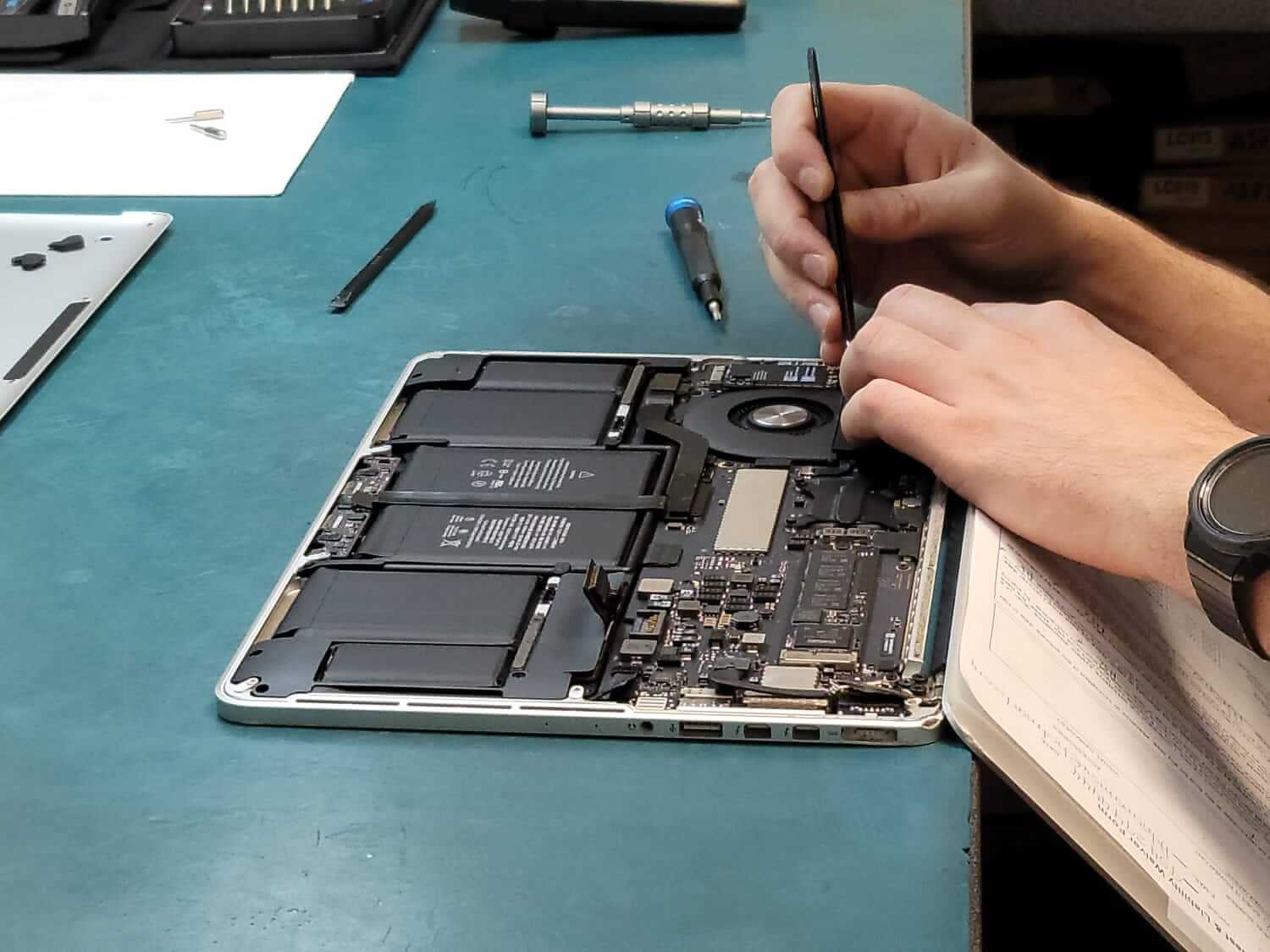
When you take your MacBook to an Apple Store or an authorized service provider, a technician will run a diagnostic to confirm the battery needs replacement. If it does, the entire top case, including the battery, keyboard, and trackpad, is typically replaced on most modern MacBooks. This ensures the seal and components are restored to factory condition. The service usually takes a few business days, though some locations may offer same-day turnaround for common models.
DIY MacBook Battery Replacement: Is It Worth It?
Replacing your own MacBook battery can save money, but it requires patience and the right tools. iFixit sells battery fix kits for many MacBook models. Their kits for MacBook Pro models cost between $110 and $130, while kits for MacBook Air average around $100. These kits include a genuine or high-quality replacement battery, adhesive strips, and screwdrivers. A detailed step-by-step video guide is available for certain models, such as the MacBook Pro 15-inch A1990 (2018-2019), which shows how to safely remove the old battery and install the new one.
DIY repair is not for everyone. It involves removing dozens of small screws, detaching fragile cables, and carefully prying up a battery that is glued in place. If you slip or puncture the battery, you could cause a fire or damage other internal components. Additionally, opening your MacBook voids any remaining warranty with Apple, so this option makes the most sense for older machines that are already out of warranty.
Comparing Apple and DIY Costs
Service Option | Approximate Cost | Notes |
|---|---|---|
Apple out-of-warranty battery service | $149 (MacBook Neo 13-inch example) | Price shown is for one model; check Apple support for your specific model. |
iFixit DIY kit for MacBook Pro | $110 – $130 | Includes battery and tools; labor is your own time. |
iFixit DIY kit for MacBook Air | ~$100 | Includes battery and tools; labor is your own time. |
The table shows that a DIY kit can be $20 to $50 cheaper than Apple’s out-of-warranty price for one model. However, if you factor in the risk of damaging your MacBook or the time spent on a multi-hour repair, the savings may not be worth it for everyone. Apple’s service guarantees a properly sealed and tested battery with a warranty on the work.

What About Third-Party Repair Shops?
Independent repair shops offer a middle ground between Apple and DIY. They can often replace a MacBook battery on the same day at a fixed price that is competitive with Apple’s service. For example, if you are in Toronto, a local specialist like Doctor Mac Toronto provides same-day, on-site, and walk-in battery replacement for MacBooks, iMacs, and other Apple devices. Third-party shops may use Apple-certified parts or high-quality aftermarket batteries, and many offer a warranty on their labor. Always ask about the battery brand and warranty before proceeding.

Battery Health and Maintenance Tips
To get the most out of your new battery, follow a few simple practices. MacBook batteries are designed to hold 80 percent capacity at 1000 cycles, but how you use the laptop affects that lifespan. Avoid leaving your MacBook plugged in at full charge for weeks at a time. If you mostly use it on a desk, consider running the battery down to around 50 percent every few weeks to keep the lithium-ion chemistry active. Also, keep your MacBook away from extreme heat, which accelerates battery degradation. These habits can help you delay the next replacement.
Frequently Asked Questions
How do I check my MacBook’s battery cycle count?
Press and hold the Option key, then click the Apple menu and select System Information. Under the Hardware section, choose Power. Look for the Cycle Count entry. The number tells you how many charge cycles the battery has completed. Compare it to Apple’s design limit of 1000 cycles to gauge remaining life.
Does Apple replace the battery for free under AppleCare+?
Yes, if the battery capacity has dropped below 80 percent of its original specification and your MacBook is covered by AppleCare+, Apple replaces the battery at no extra charge. This is listed as part of the plan’s coverage for battery service.
Can I replace my MacBook battery myself?
You can, but it requires care. iFixit sells battery fix kits for MacBook Pro models for $110 to $130 and for MacBook Air models for around $100. These kits include the necessary tools and adhesive. A video guide is available for the MacBook Pro 15-inch A1990 (2018-2019). DIY repair voids any remaining Apple warranty and carries risk of damage.
How much does a MacBook battery replacement cost through Apple?
Apple’s out-of-warranty battery service cost depends on your specific model. For the MacBook Neo 13-inch (A18 Pro), the price is $149. Other models may have a different fee. The best way to find the exact price is to visit Apple’s support page and enter your MacBook’s serial number.
Choosing the right MacBook battery replacement option depends on your budget, skill level, and how quickly you need your laptop back. Apple offers a reliable, no-hassle service with a warranty on parts and labor. DIY can save money but demands time and caution. A trusted independent repair shop provides a convenient middle path with often same-day turnaround. Whichever route you choose, replacing an aging battery will restore the portability and performance you expect from your MacBook.



0 Comments