MacBook Air & MacBook Pro Repairs in Toronto – M1,M2 , M3 , M4 Intel & More
Welcome to Your Mac Repair Solution in Toronto! We in fast and reliable services for all your Apple devices,
including MacBook, MacBook Pro M series, MacBook Air, i, iMac, and Mac mini. Our expert technicians are
dedicated to diagnosing and fixing any issues, ensuring your Mac runs smoothly again. Trust to get you back up and running in no time!
We provide prompt and reliable services for all your Apple devices. Our experienced technicians are prepared to diagnose
and resolve any issues, ensuring your Mac functions flawlessly once again. Trust us to restore your device to its performance efficiently.
Depend on us to restore your devices swiftly! We specialize in providing comprehensive solutions for all Apple family products.
Our Apple-certified technicians possess extensive experience in every repair. You can trust us to deliver the quality service you require.
We Repair All MacBook Air & MacBook Pro Models
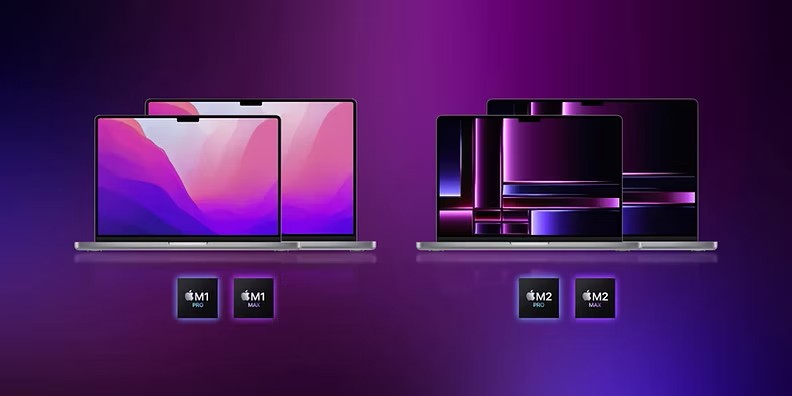
- MacBook Air M1 (2020) and newer models
- MacBook Pro 13″, 14″, 16″ – Intel and M1 models
- Legacy MacBook Air and MacBook Pro models (2010–2019)
- MacBook Retina displays and non-Retina models
Common MacBook Air & MacBook Pro Repairs We Offer!
Here are some common repairs we offer for MacBook Air andBook Pro: screen replacements, battery replacements, keyboard repairs and trackpad fixes.
Our experienced technicians are ready to diagnose and resolve any issues you may encounter. Trust us to restore your device to performance!
 Screen replacements (cracked or damaged Retina displays)
- Battery replacements and power issues
- Keyboard repairs and key replacements for MacBook Air and Pro
- Logic board and GPU diagnostics
- SSD and hard drive upgrades
- macOS installation, updates, and virus removal
- Data recovery from damaged or failing drives
- Overheating and fan repairs
Many repairs are completed within 1 hour. some repairs may take longer depending on complexity and parts availability.
Apple Macbook Pro 13″, 15″ ,17″ (2006-2025)Logic board related repair
No Power / No Chime No Battery Charging /Not seeing battery No Video / Dim Video/Distorted Video
One or Both USB Ports Not working Slow /Sluggish performance WiFi Card not detected or connection problem Other issues related to Logic Board
Random Shutdowns and Freezing
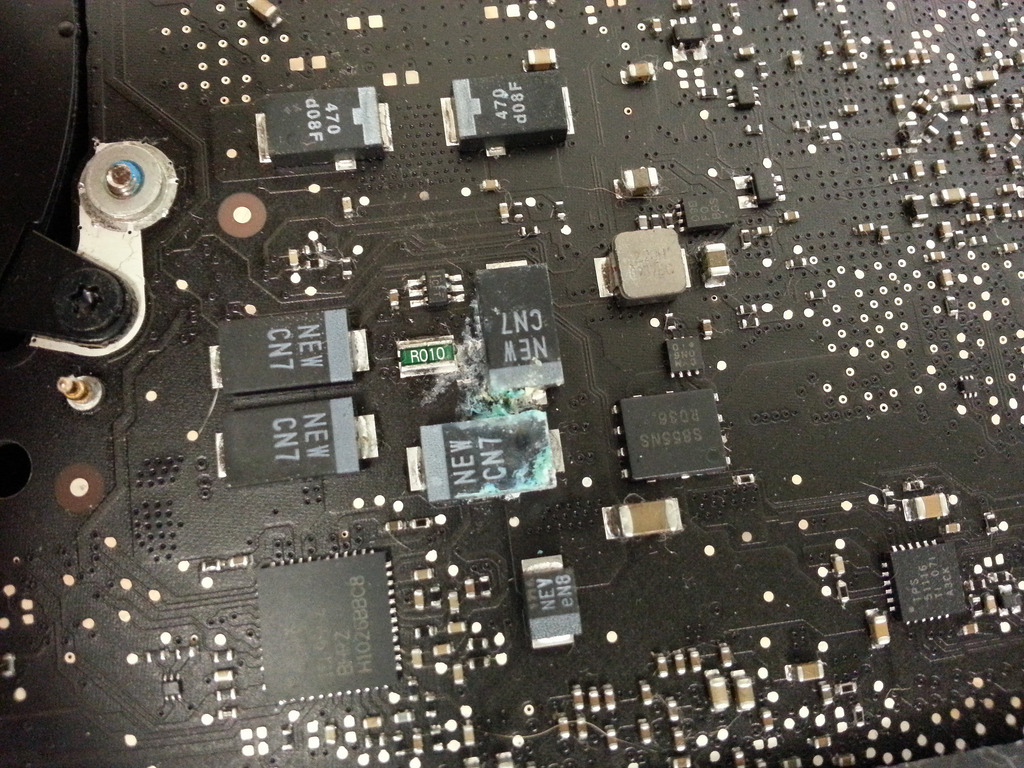
Apple Macbook Pro Liquid Spilled or Impact damage Repair
Apple Macbook pro experienced any kind of Liquid spill like Water,Juice,coffee ,Drink,
Wine will need very urgent attention.In contrast to popular idea of leaving the liquid
damage Macbook Pro in rice for several days. or weeks which in fact is very harmful to your
Macbook Pro and can cause rusting on the logic
board which may lead to a Non repairable Logic Board
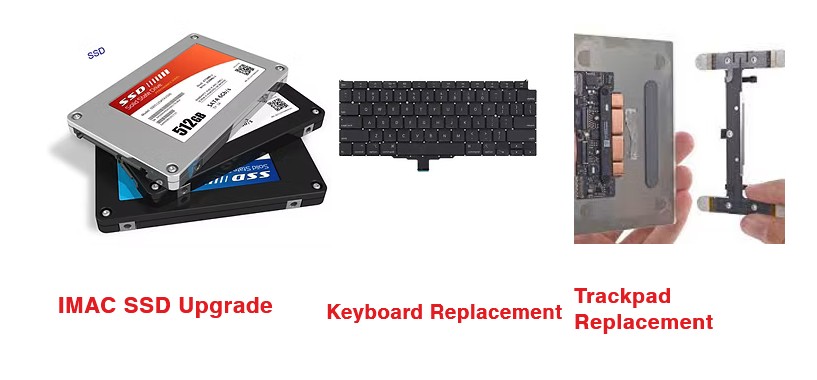
Mac HDD | SSD Upgrade
Macbook Pro Hard Drive Failure? If the original hard drive on your MacBook Pro is
getting slower or memory full you can replace it with a bigger one. Or
sometimes when power on your Mac, you may see the computer take a long
loading bar with grey screen or flashing folder with question mark when
startup. Better back up your data now. And then check your Mac hard
drive immediately to see if you need to replace or repair it.
If you want to give your Mac an even bigger boost, It’s strongly
recommended that get a new SSD (flash) drive instead. With your system
and apps on it, you can get work done much faster as everything will go
from sluggish to snappy.
We guarantee that the mac hard drives we
supply will be compatible with your Mac! Whether it’s Macbook Pro, iMac
or Mac Mini we will recommend a high quality drive that is GUARANTEED
to be compatible with your Mac. If you’ve got a Mac, we have the best
drive for you!
If your Macbook Pro Hard Drive facing any of these problems, then we can help you repair or
replace it.
*Hard Disk Drive | HDD making grinding, clicking, or other noises that is didn’t used to make.
* Warning message from windows that you need to run “check disk utility”
* No chime when turn on computer
* Question mark folder when start up your Mac
* System freezing or slow, Spinning Wheel at Startup
* Spinning wheel frequently while executing Applications
Macbook Pro Video Card Related issues
Experiencing video card-related issues with your MacBook Pro? Our skilled technicians are here to help!
We specialize in diagnosing and resolving any graphics problems, your device performs at its best.
Trust us to get your MacBook Pro back to optimal functionality quickly!
Failed OS Loading
White/Black screen
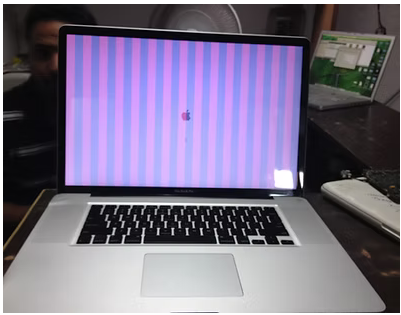
Distorted/Scrambled screen
Frequent crashes while watching videos or performing graphic related tasks
Distorted video or no display
Pix-elated images
No chime sound when startup
Blue screen or grey screen
Panic Screen
Freezing randomly specially while performing graphic intensive task
Reboots occasionally
These are symptoms of typical Graphic card issue many Apple Mac book Pro of 2008
and 2011 era experience.
Unfortunately Apple is not kind enough to take full responsibility of these known issues.
Potentially Apple Genius Bar Technicians will convince you to replace the Logic Board
with enormous amount of money.